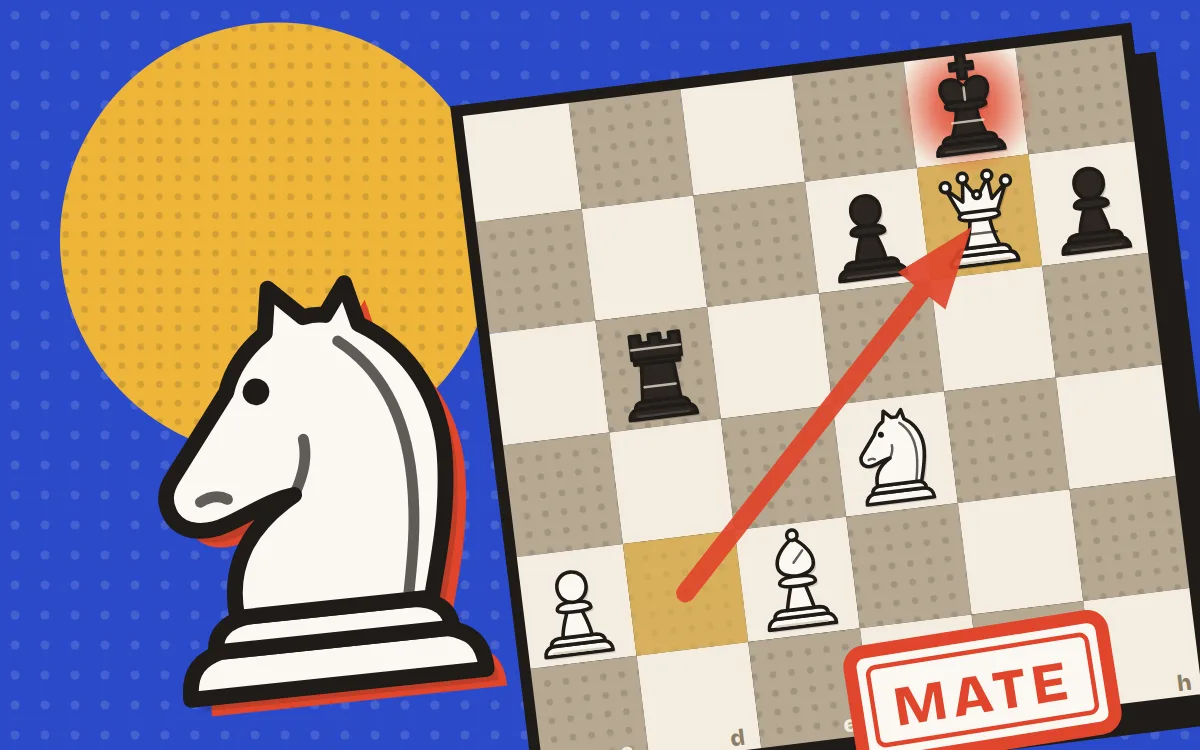
Chess is the two-player strategy game where you win by trapping the other king so it has nowhere to go. Play chess online free here against eight computer opponents, with a friend on the same phone, or with a friend anywhere through a room link. There is also a daily puzzle and a set of mate-in-2 and mate-in-3 puzzles for practice.
Each side starts with sixteen pieces: a king, a queen, two rooks, two bishops, two knights and eight pawns. White always moves first, then the players take turns, one move each. A piece captures by moving onto a square held by an enemy piece, which is then removed from the board.
- King: one square in any direction. It can never move onto a square the opponent attacks.
- Queen: any number of squares in a straight line, along a rank, a file or a diagonal.
- Rook: any number of squares along a rank or a file.
- Bishop: any number of squares diagonally, so it stays on its starting colour for the whole game.
- Knight: an L shape, two squares one way and one square to the side. It is the only piece that jumps over others.
- Pawn: one square straight forward, or two from its starting square. It captures one square diagonally forward, never straight ahead.
Castling moves the king two squares toward a rook, and that rook hops over to the square the king just crossed. Castling kingside is written O-O and queenside is O-O-O. You may castle only when all of these are true:
- Neither the king nor that rook has moved yet in this game.
- Every square between the king and the rook is empty.
- Your king is not in check right now.
- The king does not pass through, or land on, a square the opponent attacks.
En passant is a special pawn capture. When a pawn makes its two-square first move and lands right beside one of your pawns, your pawn can take it as if it had moved only one square, landing on the square it skipped. You must do it immediately on your next move. Wait one turn and the chance is gone.
A pawn that reaches the far side of the board is promoted. A small picker pops up over the board so you can choose a queen, rook, bishop or knight. Usually you want a queen, so an auto-queen option in settings skips the picker. A rules card in the game shows all three special moves with small diagrams.
When a king is attacked it is in check, and the king glows red. The player in check must get out of it at once by moving the king, capturing the attacker, or putting a piece in between. Any move that leaves your own king in check is illegal, so the game simply will not offer it.
Checkmate is check with no way out, and it ends the game in a win. Stalemate is the opposite trap: the player to move is not in check but has no legal move at all. Stalemate is a draw, so when you are far ahead, take care not to box in a lone king without giving check.
Not every game has a winner. The game ends in a draw in any of these cases:
- Stalemate: the side to move has no legal move and is not in check.
- Threefold repetition: the same position, with the same player to move, appears three times.
- Fifty-move rule: fifty moves by each side pass without any capture or pawn move.
- Insufficient material: neither side can possibly checkmate. That covers king against king, king and bishop or king and knight against a lone king, and king and bishop against king and bishop with both bishops on the same colour squares.
- Agreement: one player offers a draw and the other accepts.
- Time: if your clock runs out you lose, unless your opponent has no possible way to checkmate you, in which case it is a draw.
You do not need to memorise openings. A few habits win more games than any trap:
- Fight for the centre. Moves like e4, d4, Nf3 and Nc3 put pawns and knights where they control the most squares.
- Develop knights and bishops before you move the queen, and avoid moving the same piece twice early on.
- Castle early so your king is tucked away and your rooks can join the game.
- Before every move, ask what your opponent is threatening. Most beginner games are lost to a piece left hanging.
- Look at every check and capture for both sides first.
- Count the material: queen about 9, rook 5, bishop and knight about 3 each, pawn 1.
Choose vs Computer and pick one of eight opponents, each a named character. Bilal (400) is a true beginner who blunders often, then come Nimra (600), Ayesha (800), Hamza (1000), Zara (1200), Faisal (1400) and Sana (1700), up to Ustad (2000), the strongest, who thinks for one to two seconds per move. The numbers are rough strength labels, not official ratings.
Lower levels add random noise and only look a short way ahead. Higher levels search much deeper with alpha-beta, a transposition table and quiescence search. Early moves come from a small opening book, so games vary. The engine runs in a background Web Worker, so the page never freezes while it thinks.
Play White, Black or Random. Takeback undoes your last move, Hint draws an arrow for the best move, and an optional evaluation bar shows who is ahead. Wins, losses and draws are saved for each level.
To play a friend online, tap Play a friend and create a room. You get a six-letter code and buttons to share the link on WhatsApp, copy it or use the share sheet. No account is needed. The room shows both players, their colours and who is online. The host can swap colours and set the clock, your friend taps Ready, and the host presses Start.
Moves sync instantly, with a relay as a fallback. Chat with typed messages, quick phrases and reactions. If someone drops, the game waits a minute, then you may claim the win. Rematches swap colours.
For two players sitting together, choose two players on one device and pass the phone across. Turn on auto-flip and the board turns to face whoever is about to move. Takeback works here too.
Time controls are none, 1+0, 3+2, 5+0, 10+0 and 15+10. The first number is minutes each, the second is the seconds added after every move. Under twenty seconds the clock turns red and starts ticking.
Drag a piece to its square, or tap the piece and then tap the square. Legal moves show as dots and captures as rings, and the last move stays highlighted. The move list uses standard algebraic notation. Click any move, or use the arrow keys, to look back at earlier positions, and press F to flip the board. When the game ends a result card gives the reason, with buttons for Rematch, New game, Review game and Copy PGN.
Settings offer two original piece sets (Staunton and Riso print), four board themes (Paper and Ink, Classic Wood, Cobalt and Mughal Tile), sounds, coordinates, legal-move hints, auto-queen and a confirm step before resigning. Your game, settings and stats are kept in your browser, so a refresh resumes the game.
The daily puzzle is picked from the set by date, so everyone gets the same one that day. Puzzle mode lets you work through all 36 hand-checked mate-in-2 and mate-in-3 positions in order, and the engine has confirmed every one is a forced mate. The computer plays the defender's best reply. A wrong move is taken back with a nudge to try again, and there is a hint button if you get stuck.